Logging In
Welcome to Zero Desk. This guide walks you through logging in, resetting your password, and accessing your account.
Step 1: Open Zero Desk
Access the Web App
Open your browser and navigate to:
- Make sure you are connected to the internet
- Use a modern browser like Chrome or Safari
Once the page loads, you’ll see the welcome screen.

Step 2: Enter Your Credentials
Login with Your Username and Password
Type your username and password
Click the Log In button
If you’ve been invited to an organization, your credentials will be emailed to you. You can also set them during onboarding.
Forgot Your Password?
Reset Your Password
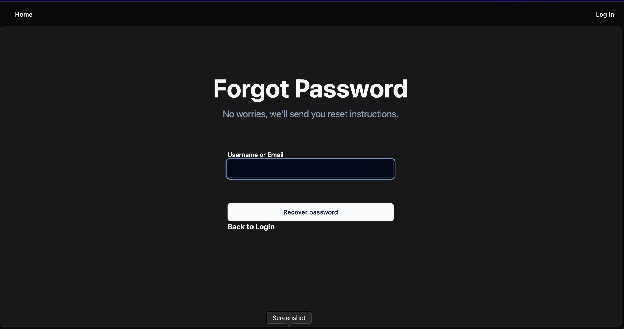
Click the “Forgot Password” link on the login page
- Enter your registered email address
- Check your inbox for a reset link and follow the instructions
The reset link is valid for 15 minutes. Be sure to check spam if it doesn't arrive right away.