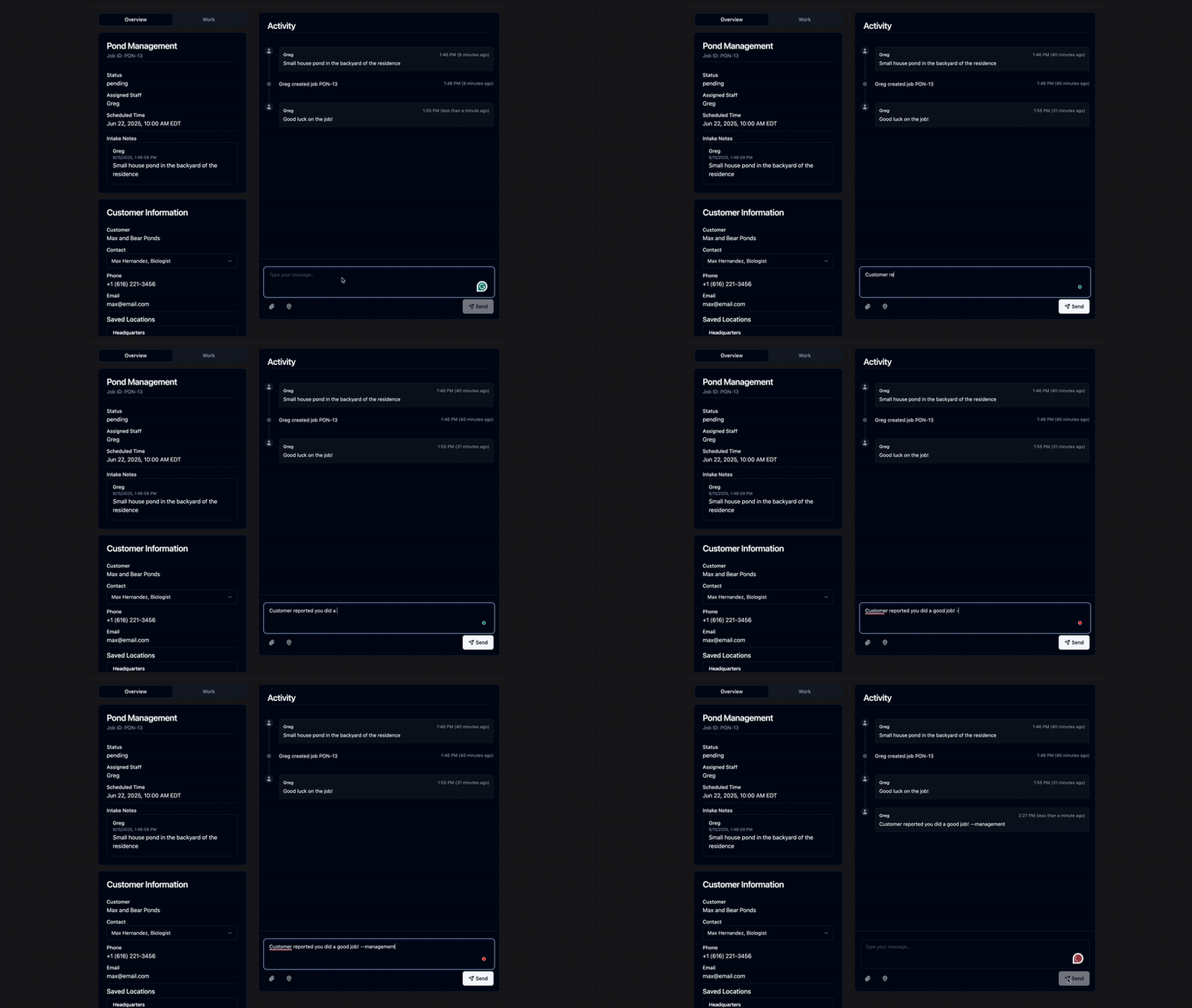
Administrator Guide – Pond Management
Learn how to onboard users, monitor field activity, and manage assignments in the pond module as an administrator.
What You'll Learn
- Assign roles inline with your business practices.
- Monitor projects in near-real time.
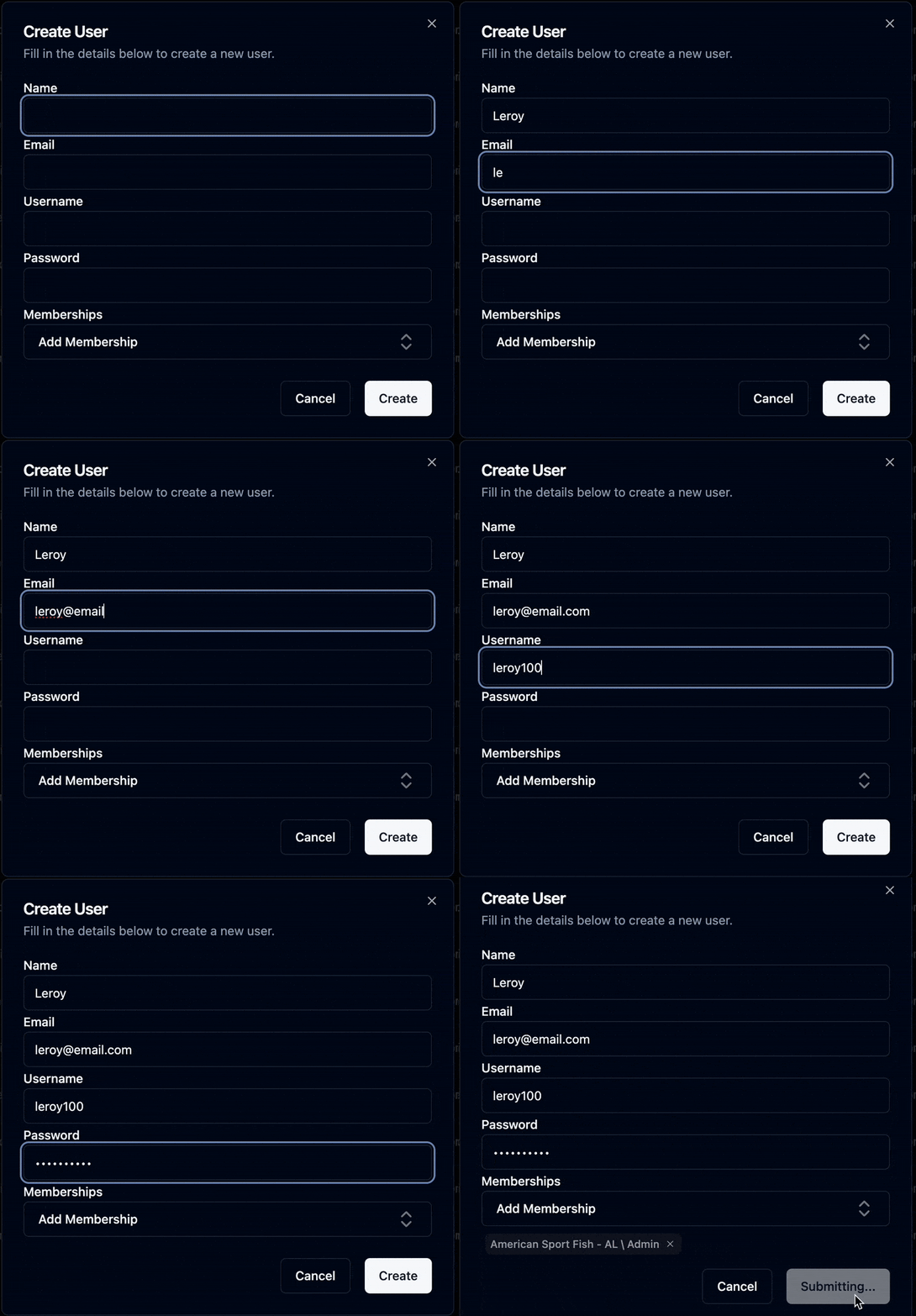
Step 1: Add & Manage Users
Adding Users
Navigate to Settings › Users
Click Add New and fill in their info
- Select a role: Biologist, Admin, etc.
For more detailed instructions, check out the user management guide.
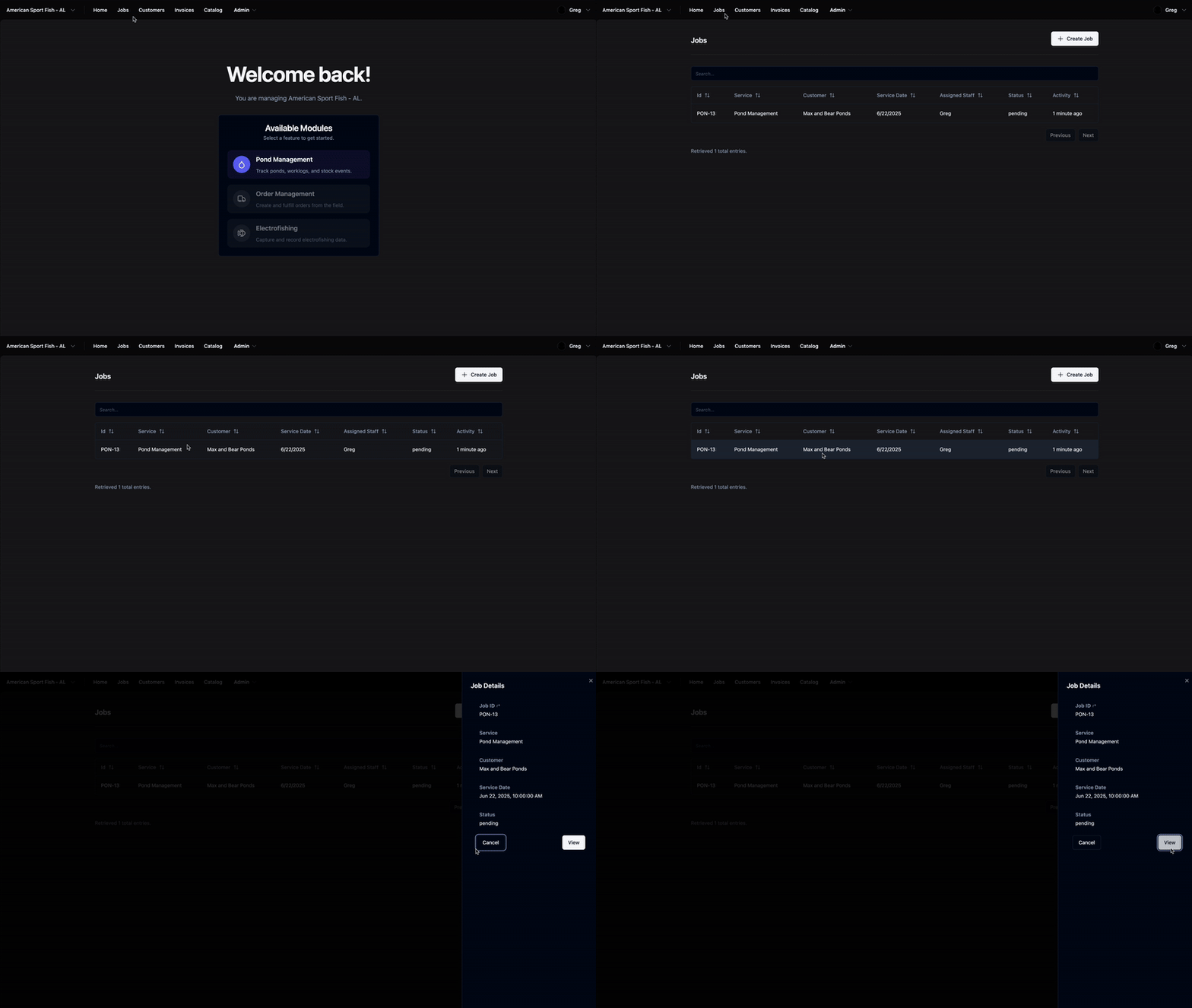
Step 2: Monitor Job Activity
- Job Overview
- Work Overview
Job Overview
- Review assigned, active, and completed jobs
- Sort by location, date, or role
Work Overview
- Monitor real-time updates from field agents
- Spot delays, blockers, or missing data
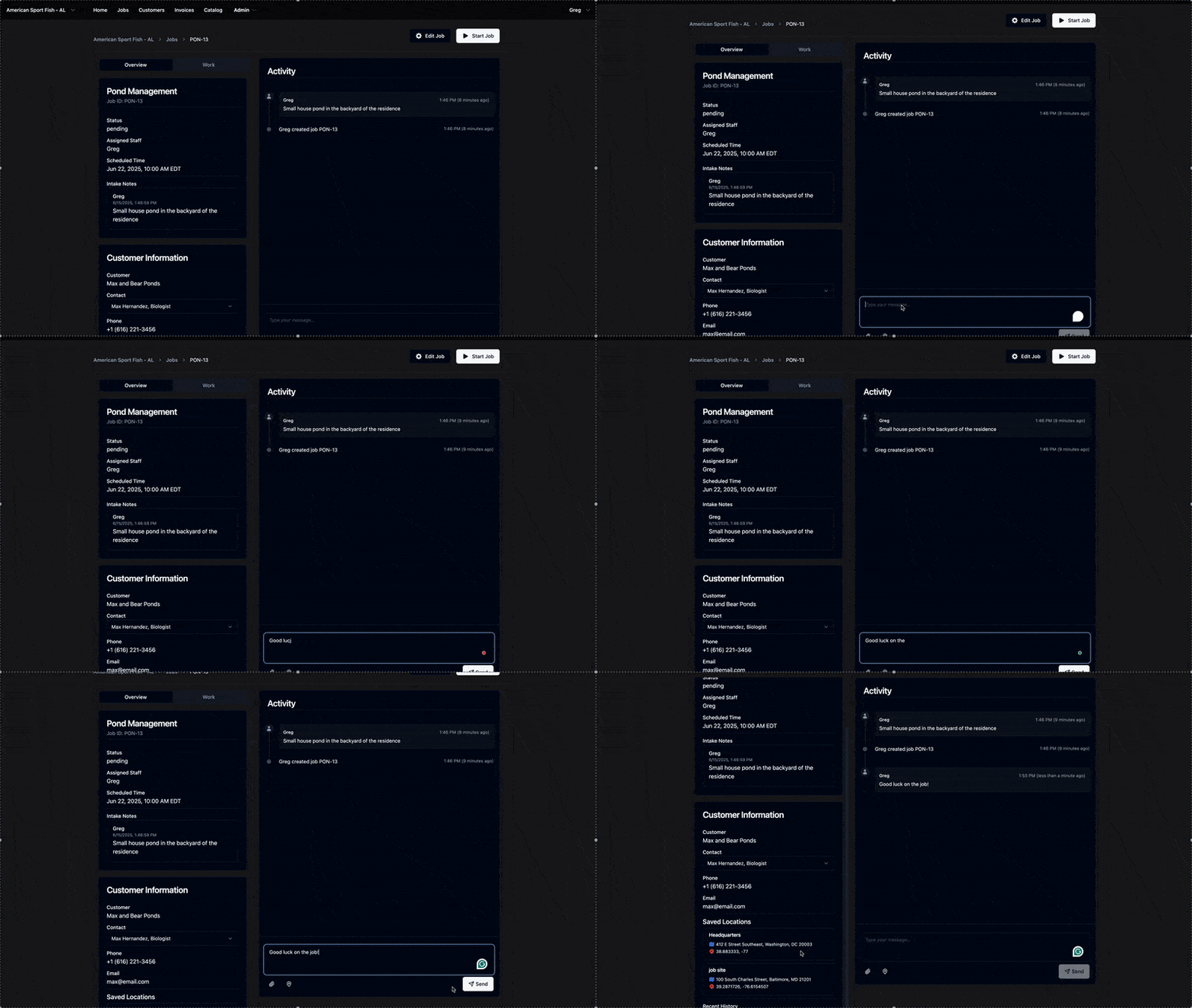
Step 3: Support Field Requests
Activity Logs
Chat directly in the Activity section
- Field users can share photos and locations
- Updates sync in real time across all roles