Job Management
Zero Desk lets you easily create and manage jobs, assign the right equipment and targets, and generate accurate invoices — all from one place.
Creating a Job
Create a New Job
- Open Jobs – Click the Jobs tab in the top menu
- This shows all current jobs in your organization
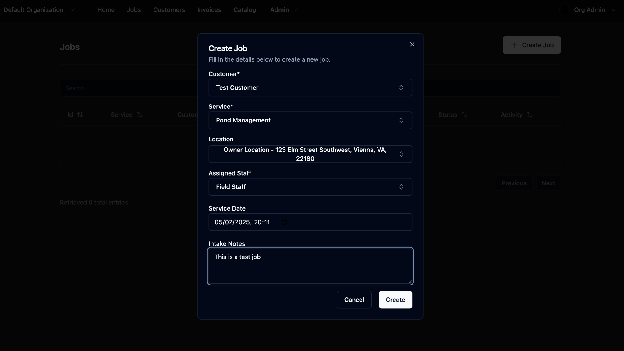
- Click “Create Job” – A pop-up will appear
- Fill in the Details including:
- Customer
- Service type
- Job location
- Assigned staff
- Date & time
- Optional job notes
- Click Create to save the job